Player guide
How to play Farm Surf
Everything below matches the live game at letsgrow.perseverance-te.com.
1. Farm badge & Market Marks
Linked traffic exchanges show a Farm badge in the surf bar after you have viewed every 33 ads. Click it to open the farm in a new tab.
Each qualifying visit can grant Market Marks (surf coins) — spend them on seeds, supplies, convert to Promo Marks and upgrade memberships at sites Membership Shops. Daily grant limits depend on each partner exchange’s Farm badge level (Free sites ONLY 3 Grants a day vs Premier site NO LIMIT) — counted separately per site, not across all exchanges.

2. Surf session & planting window
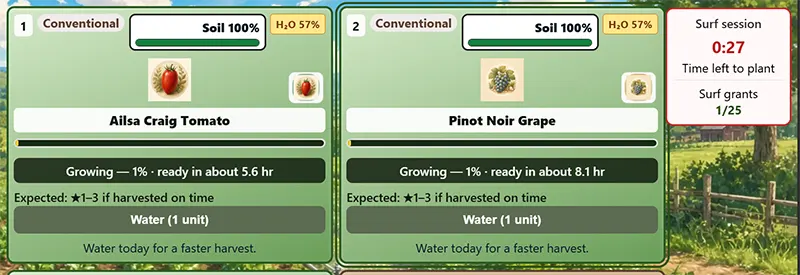
A successful Farm badge visit starts a surf session (timed window). While it is active you can plant seeds on your field. When the session ends you can still water, harvest, shop, and sell — use Farm login anytime to return without a new Farm badge grant; you only need another Farm badge visit to plant again.
The session timer appears on the farm dock so you always know how long planting stays open.
3. Seed shop
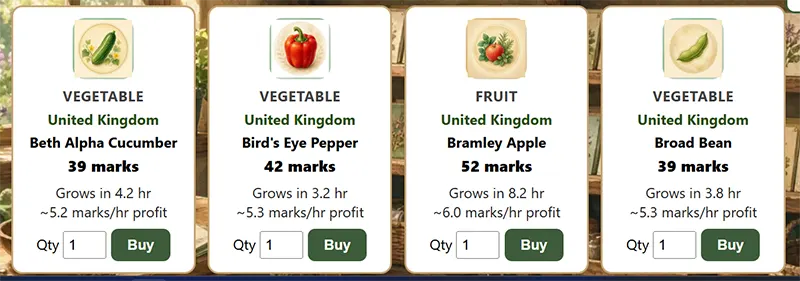
Open Seeds from the farm hub. The catalog matches your active field — nation and growing band — so buy what you can plant there today.
- Watch for weekly deals and daily goals for bonus marks.
- Seeds show grow time, soil needs, and origin region.
- Unlock more nations on the world map to access overseas catalogs later.
4. Field care
On the Field page, plant from your seed pouch, water when soil dries, use repellent when offered, and harvest when crops are ready — not too late, or quality drops.
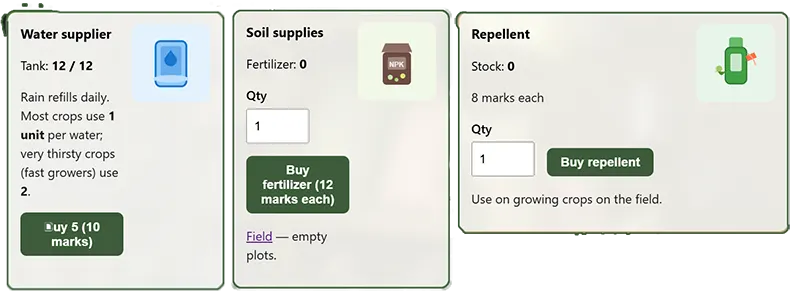
Soil fertility and moisture matter. Rest empty plots with supplies from the Supplies shed when needed.
5. Market & contracts
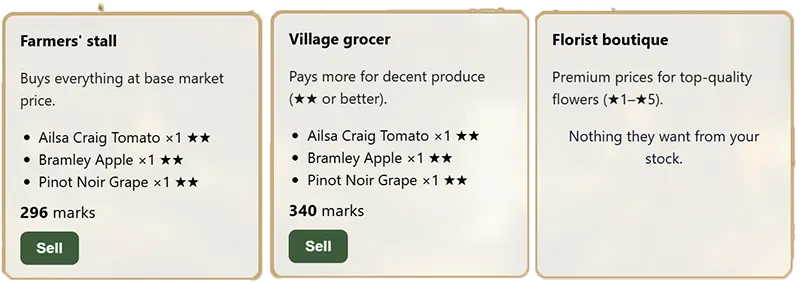
Sell produce at the Market to different buyers. Each surf trip allows a limited haul — surf the badge again to reset selling capacity.
Supply contracts and chores on the hub pay steady marks for players who plan a few days ahead.
6. World map & estates
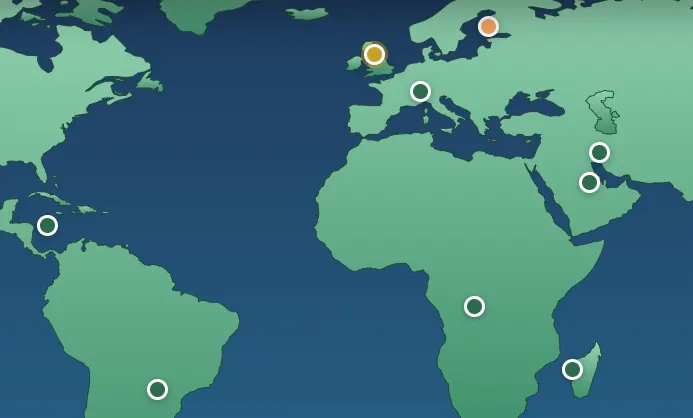
Raise your Farm Grade to unlock countries. Pick a homeland, then expand with overseas fields — each estate has its own weather band and seed list.
Travel between fields costs marks unless you arrive via a fresh badge surf session (rules shown in-game).

Quick tips
- Match seeds to the field you are standing on — check nation and band on the shop header.
- Harvest soon after “ready” for best quality stars and prices.
- Keep water in your tank; buy refills from Supplies before long grow cycles.
- Use daily goals and deals before buying expensive seed stock.
- Exchange owners: premier sites will offer event-day bonuses — surf those bars on promo days.